
The Ultimate Tapclub Guide: How to Revolutionize Your Networking with One Tap
In a world where digital first impressions are everything, the traditional paper business card is no longer just outdated—it’s a missed opportunity. Every year, billions of paper cards end up in landfills, and even more are lost in the bottom of bags or discarded before the contact info is even saved. Enter Tapclub: the future of professional connectivity.
This comprehensive Tapclub guide will walk you through everything you need to know about transitioning from paper to digital, optimizing your profile, and using NFC technology to turn every handshake into a lasting client relationship.
What is Tapclub? (The One-Tap Revolution)
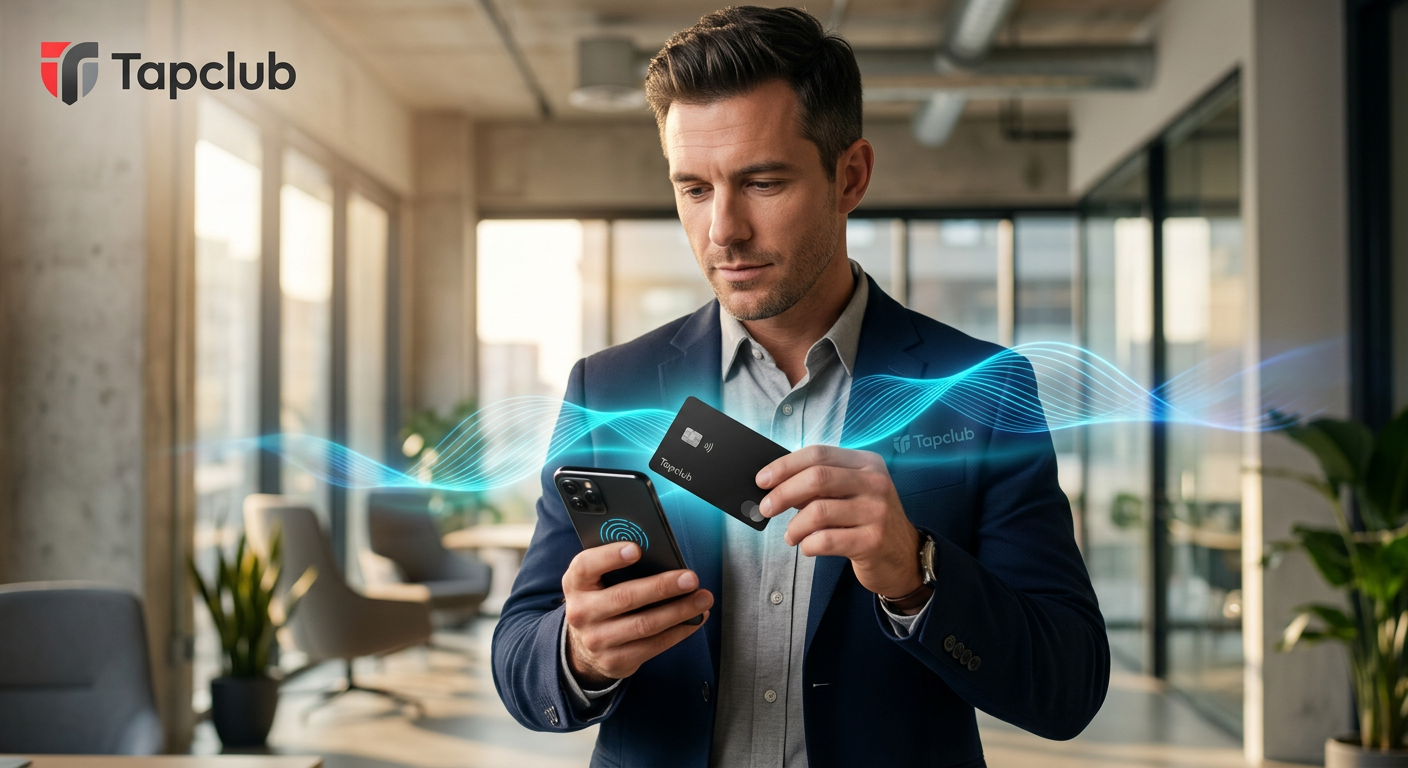
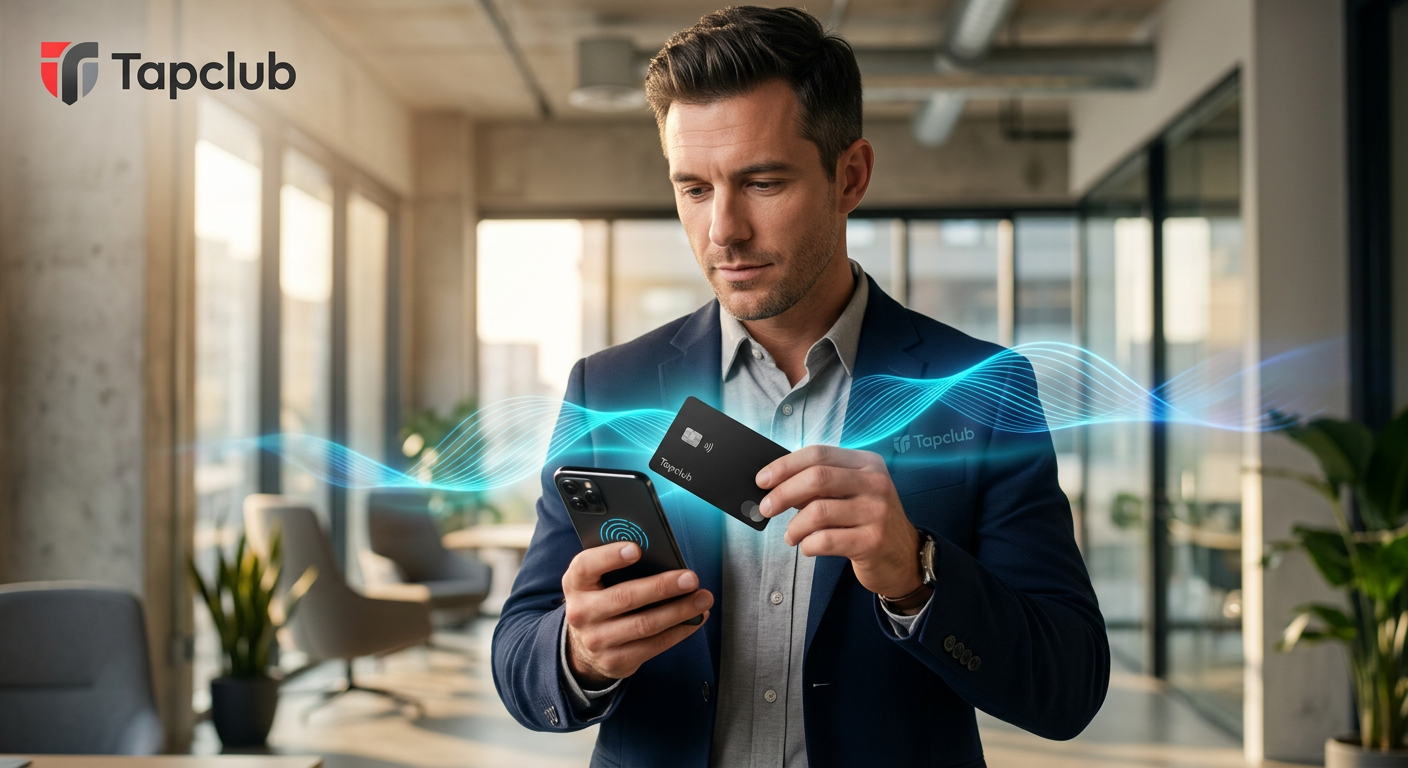
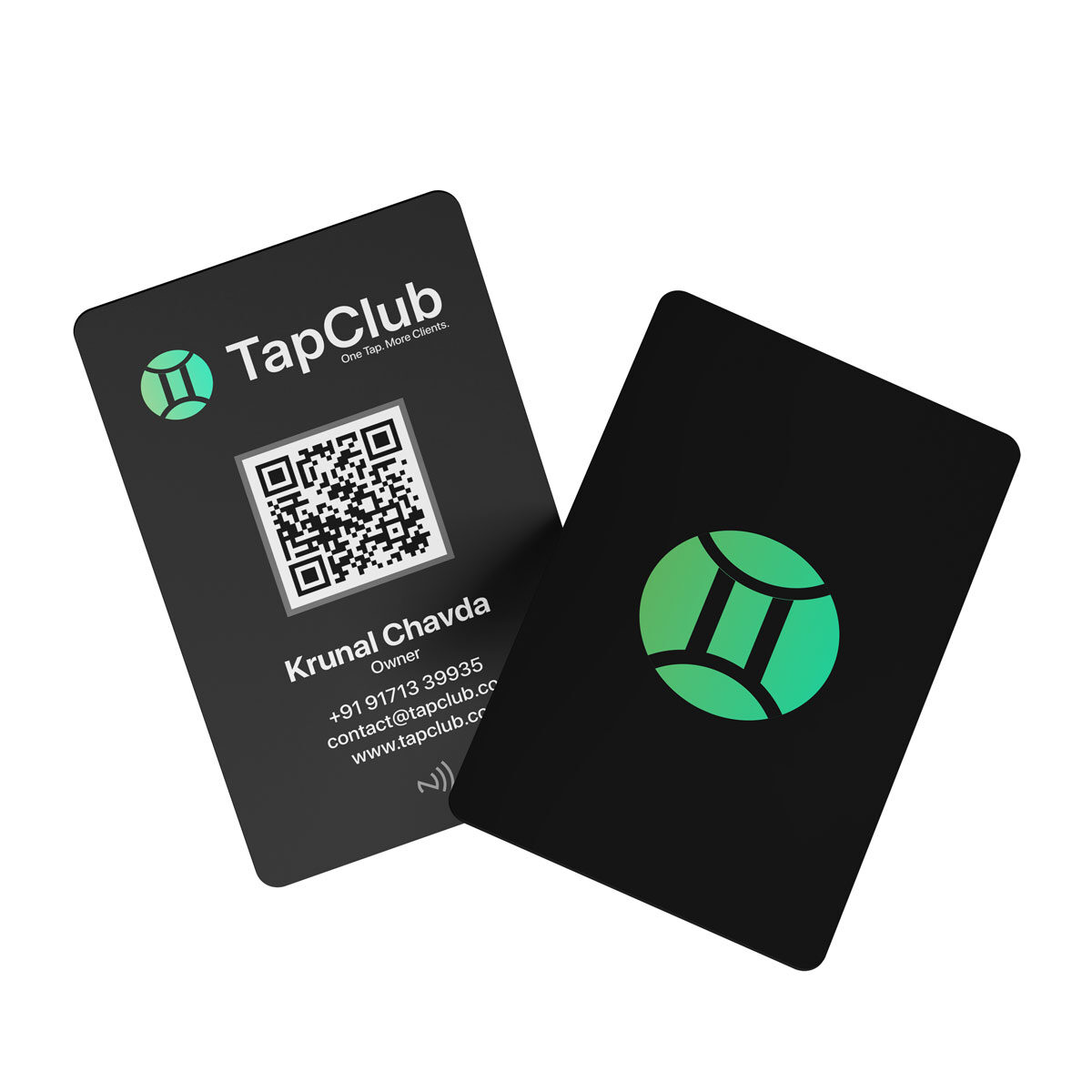
Tapclub is a high-quality, PVC-customized NFC (Near Field Communication) business card designed for modern professionals. Unlike competitors like Dotcards or Tapmo, Tapclub focuses on a seamless blend of durability, aesthetic customization, and instant data exchange. With a simple tap against a smartphone, your contact details, social media links, portfolio, and more are instantly transmitted—no app required for the recipient.
Why Switch to a Smart Business Card?
- Sustainability: Stop printing hundreds of cards that get thrown away.
- Instant Updates: Changed your phone number or job title? Update your digital profile in seconds without reprinting cards.
- Higher Conversion: Make it effortless for leads to save your contact details on the spot.
The Tapclub Guide to Setting Up Your Custom Card
Setting up your Tapclub experience is designed to be as efficient as the technology itself. Follow these steps to ensure you’re ready for your next networking event.
Phase 1: Customizing Your Physical Card
Your brand is unique, and your card should reflect that. Tapclub allows for full customization of our premium PVC cards. You can upload your logo, choose brand-consistent colors, and select a finish that commands attention. When you pull out a Tapclub card, you aren’t just sharing data; you’re making a statement.
Phase 2: Optimizing Your Digital Profile
The magic happens in the digital interface. Your profile is your digital storefront. To get the most out of this Tapclub guide, ensure your profile includes:
- Professional Headshot: High resolution and approachable.
- Active Link Hierarchy: Put your most important link (Website, WhatsApp, or Booking link) at the very top.
- Social Proof: Link your Instagram, LinkedIn, and YouTube to build immediate credibility.
- Custom CTA: Instead of just ‘Links’, use ‘Book a Free Consultation’ or ‘View My Recent Work’.
Industry-Specific Use Cases: Who is Tapclub For?
Unlike generic NFC cards, Tapclub is engineered to provide specific value across various niches. Here is how different professionals are using the Tapclub guide to win more business:
1. Real Estate Agents & Doctors
Instead of fumbling with brochures, agents can tap a phone to show a 3D virtual tour of a property. Doctors can share clinic locations and digital booking portals instantly, reducing administrative friction.
2. Content Creators & Influencers
If you meet a potential collaborator, ‘One Tap’ is the difference between a new follower and being forgotten. Link directly to your latest TikTok or YouTube video to show your work in real-time.
3. Restaurant Owners
Place a Tapclub card at your reception or on tables. One tap allows guests to view your digital menu, follow your Instagram for daily specials, or leave a Google Review instantly.
4. Freelancers & Artists
Your portfolio is your lifeblood. Use Tapclub to link directly to your Behance, Adobe Portfolio, or GitHub repository. Secure the gig before the conversation even ends.
Tapclub vs. The Competition: Why We Lead
When comparing Tapclub to brands like Taptag, Promaxcard, or Tapit, several factors set us apart:
- Premium PVC Build: Our cards don’t feel like flimsy plastic; they feel like a premium tool.
- No Monthly Fees: We believe in one tap, more clients, without hidden subscriptions for basic features.
- Faster Transfer Speeds: Our NFC chips are optimized for the latest iOS and Android hardware for near-zero latency.
Maintenance and Troubleshooting: The Technical Tapclub Guide
To ensure your Tapclub card works every time, keep these technical tips in mind:
Phone Compatibility
Most modern smartphones (iPhone XS and newer, and 90% of Androids) have NFC enabled by default. For older iPhones, the recipient may need to open their Control Center and tap the ‘NFC Tag Reader’ icon.
Sweet Spots
- iPhone: The NFC reader is located at the very top of the back of the device.
- Android: The reader is usually located in the center-back of the device.
Simply hold your Tapclub card near these areas for 1-2 seconds for a seamless connection.
Conclusion: Make Your Impact Today
Networking is no longer about how many cards you hand out; it’s about how many connections you actually keep. With this Tapclub guide, you now have the blueprint to modernize your professional identity, save money on printing, and leave a lasting impression.
Ready to join the club? Stop carrying paper and start carrying a career-changing tool.